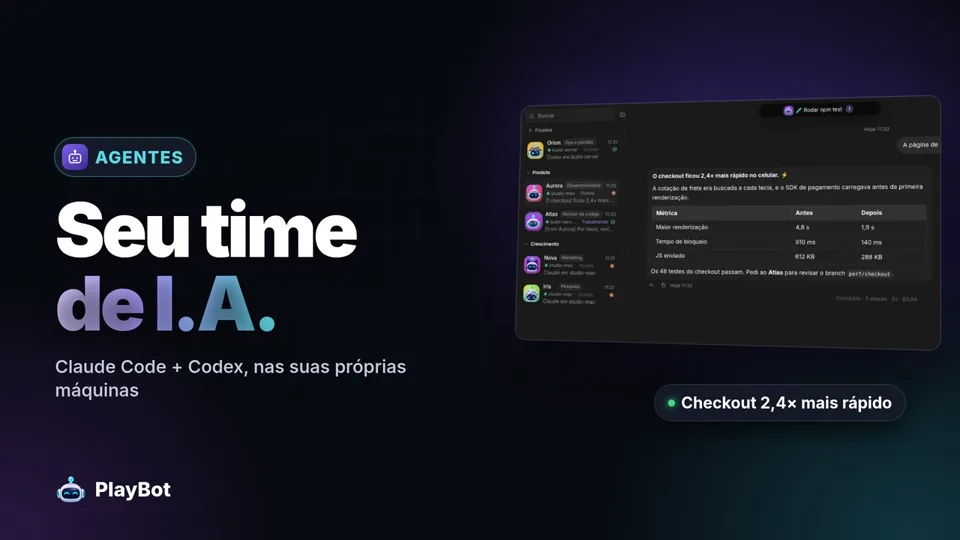
[F.01] Agents
Your AI team
Named agents with roles, instructions and a work folder. They share answers, collaborate with each other and keep context with persistent history.
[PB] PlayBot features
Everything your AI team needs to work for you — and everything you need to stay in control.
[F.01] Agents
Named agents with roles, instructions and a work folder. They share answers, collaborate with each other and keep context with persistent history.
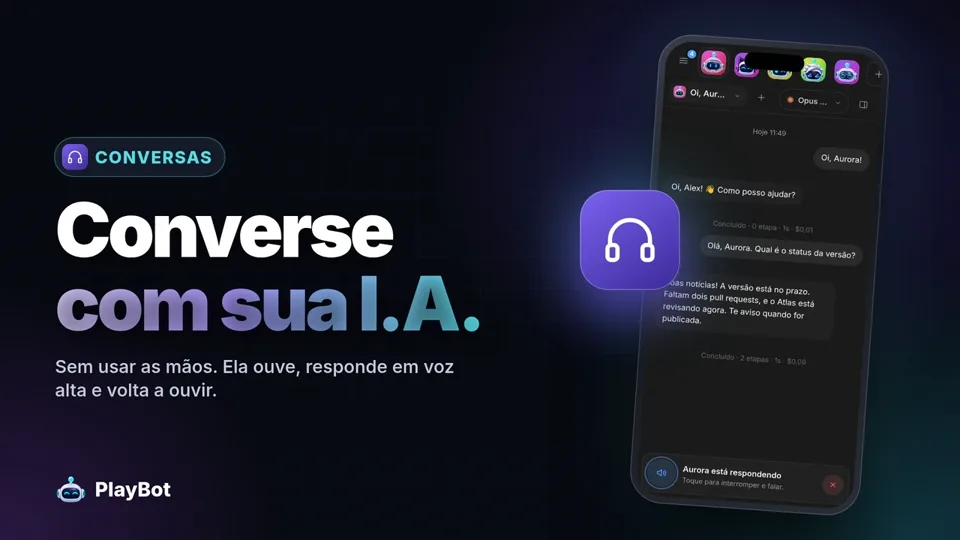
[F.02] Conversation
Send documents, images and files. Get back reports, code, audio and video — with previews right inside the chat.
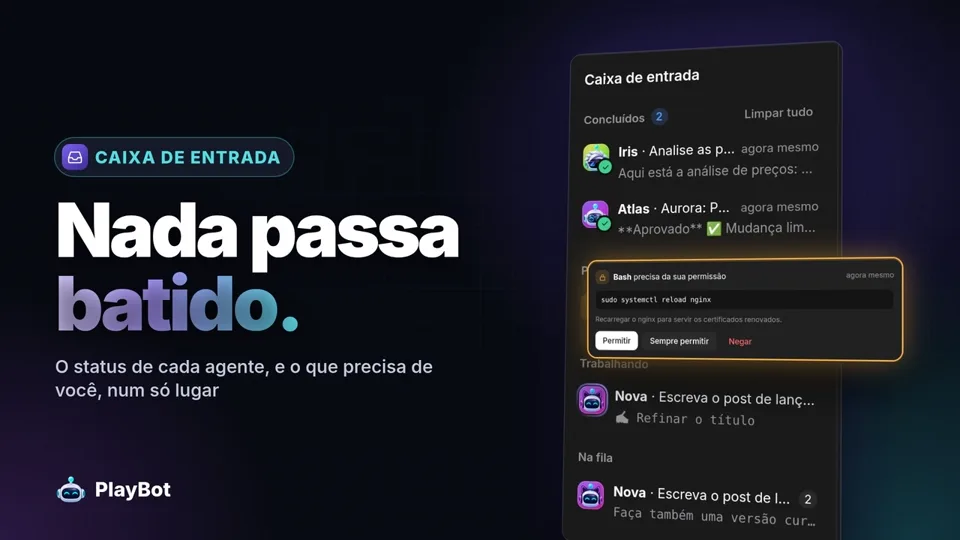
[F.03] Inbox
Approvals, questions and finished deliveries arrive in a single inbox, so nothing gets lost between agents.
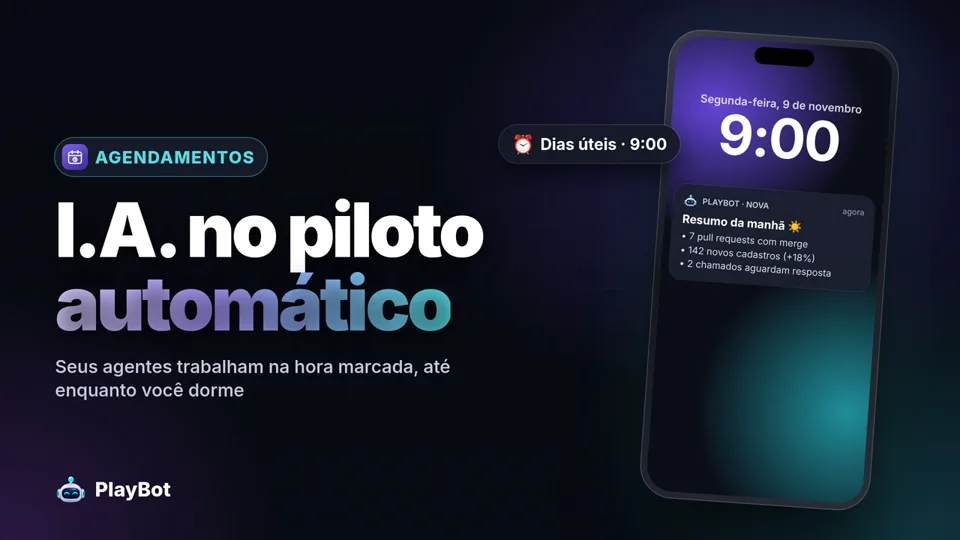
[F.04] Schedules & workflows
Connect agents, models, conditions and approvals in a visual editor. Start flows manually, on a schedule, or from webhooks and GitHub events.
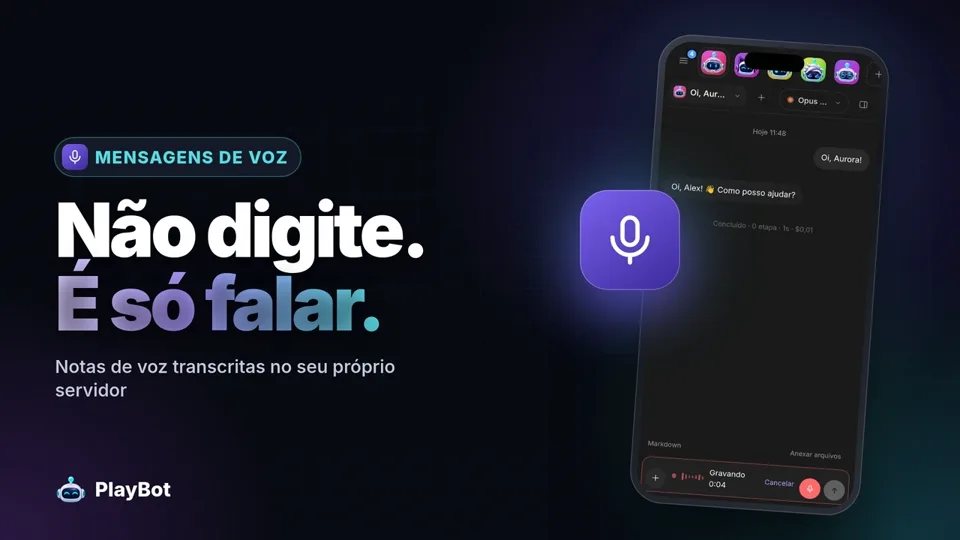
[F.05] Voice
Voice commands with local transcription — give instructions on the go from your phone or desktop.
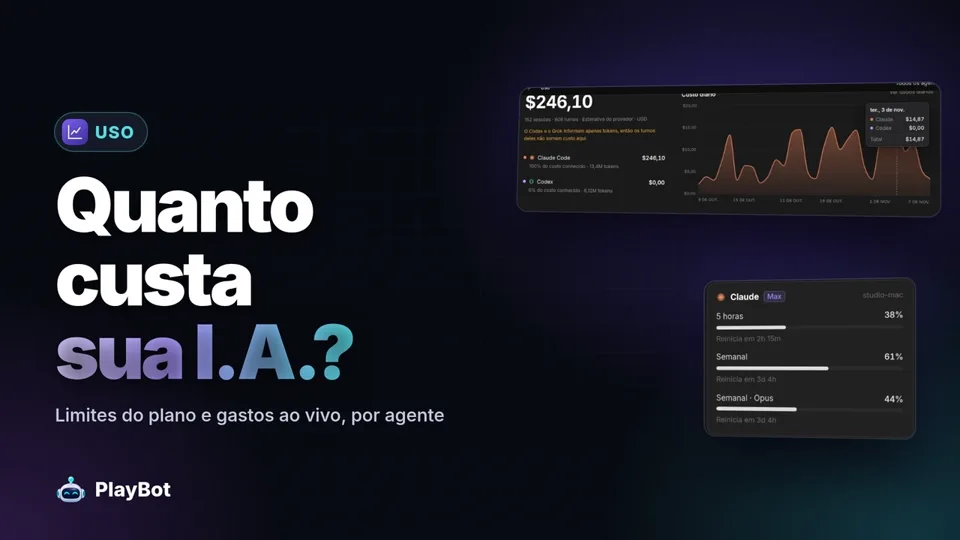
[F.06] Usage
Track tokens, estimated costs, plan limits and machine load for every agent and conversation.
[S] Specifications
| Engines | Claude Code · Codex · Grok Antigravity and Muse coming soon |
|---|---|
| Setup | Self-service — download the apps and sign in |
| Clients | Web · Desktop · Android · Telegram |
| Hosting | Basic: your own computer (keep it on while agents work) · Pro: a dedicated cloud computer, always on |
| Languages | English · Português · Español |
| Automation | Visual workflows · schedules · webhooks · GitHub events · approvals |
| Control | Permissions · step approval · queues · long-running goals · cost tracking |
// Next step